Problem Statement
Shared housing often presents a challenge when it comes to organizing chores and ensuring everyone contributes equally. Without clear instructions, many students struggle to maintain a proper work-life balance and may forget their assigned chores.
in productivity apps
during the hackathon
different technologies
Solution
Slacker is a web-app designed to streamline household chores for users. By joining a household group, members access a comprehensive task list, and the app automatically assigns tasks to each member within the group. This ensures a more organized and efficient distribution of responsibilities.
My Role
- Created the UI design for desktop and mobile mockups in Figma
- Created the desktop landing page and a variety of subpage layouts
- Bug-tested the final react-app
Outcome
My two roommates and I won the "best productivity app" category at the Deltahacks hackathon, earning us an espresso machine as a prize. We are excited about our success and are now determined to develop the full version of our app, with plans to publish it on mobile app stores in the near future.
Mobile Mockup
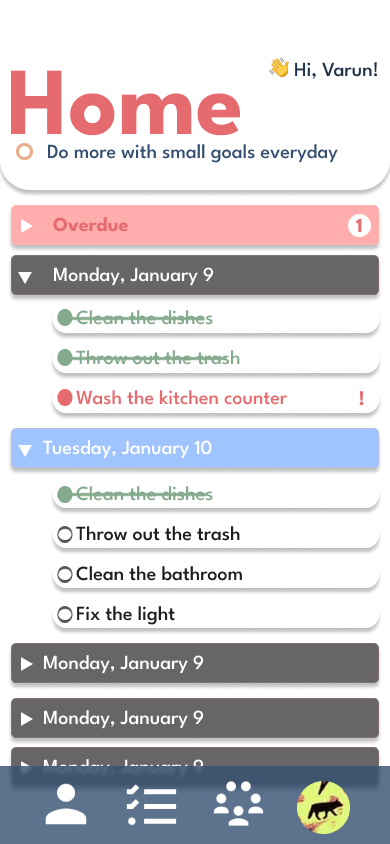
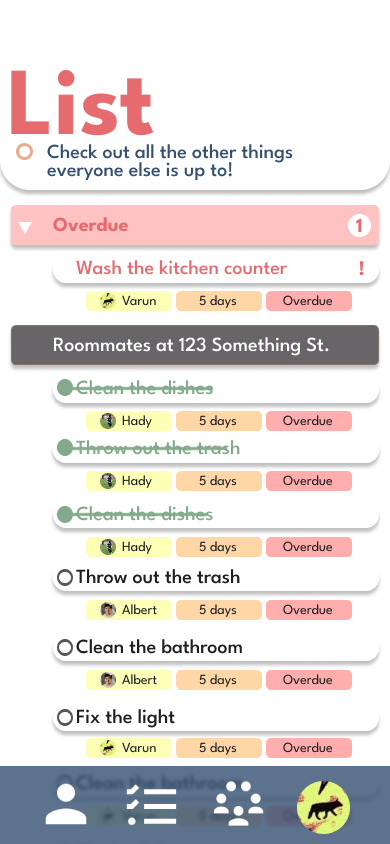
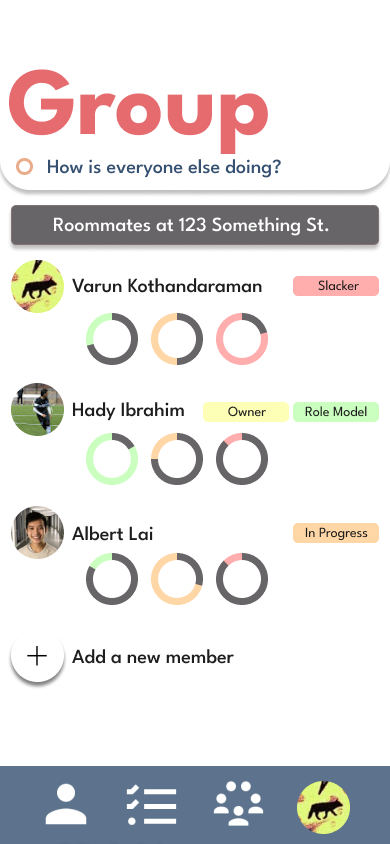
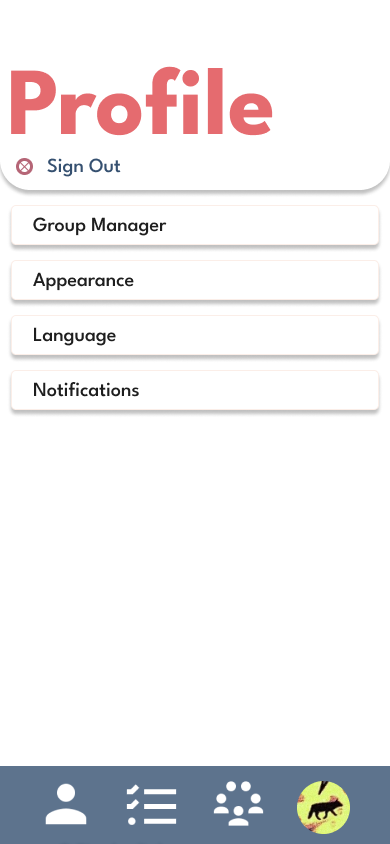
We began by designing the mobile mockup first, since our initial goal was to build the app using React Native. Starting with the mobile view allowed us to focus on essential content and user flows in a constrained space. This approach also made it easier to scale the design up for desktop later, rather than trying to compress a desktop layout into a smaller screen. By prioritizing mobile-first design, we ensured responsiveness and clarity from the start.
Web Application Layout
After creating the mobile mockup, we quickly realized that we did not have enough time to continue with a react native application. From the mobile design that I created, we pivoted to a standard react-app that switches between dark and light modes. This was the project that got me into graphic design and learning how to make pages look user-friendly, if I were to redo the page, I would definitely change up the layout and make it simpler to understand.
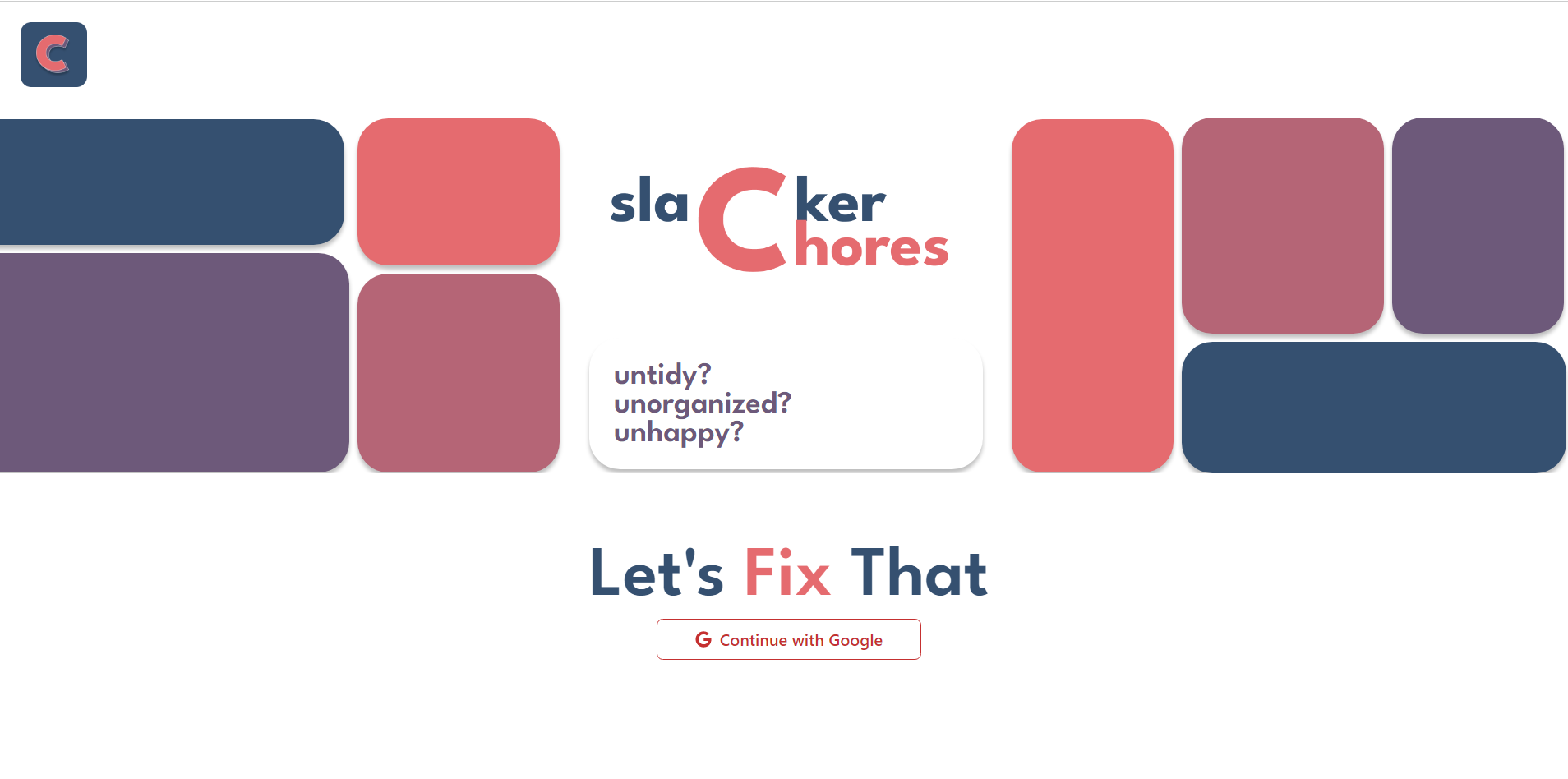
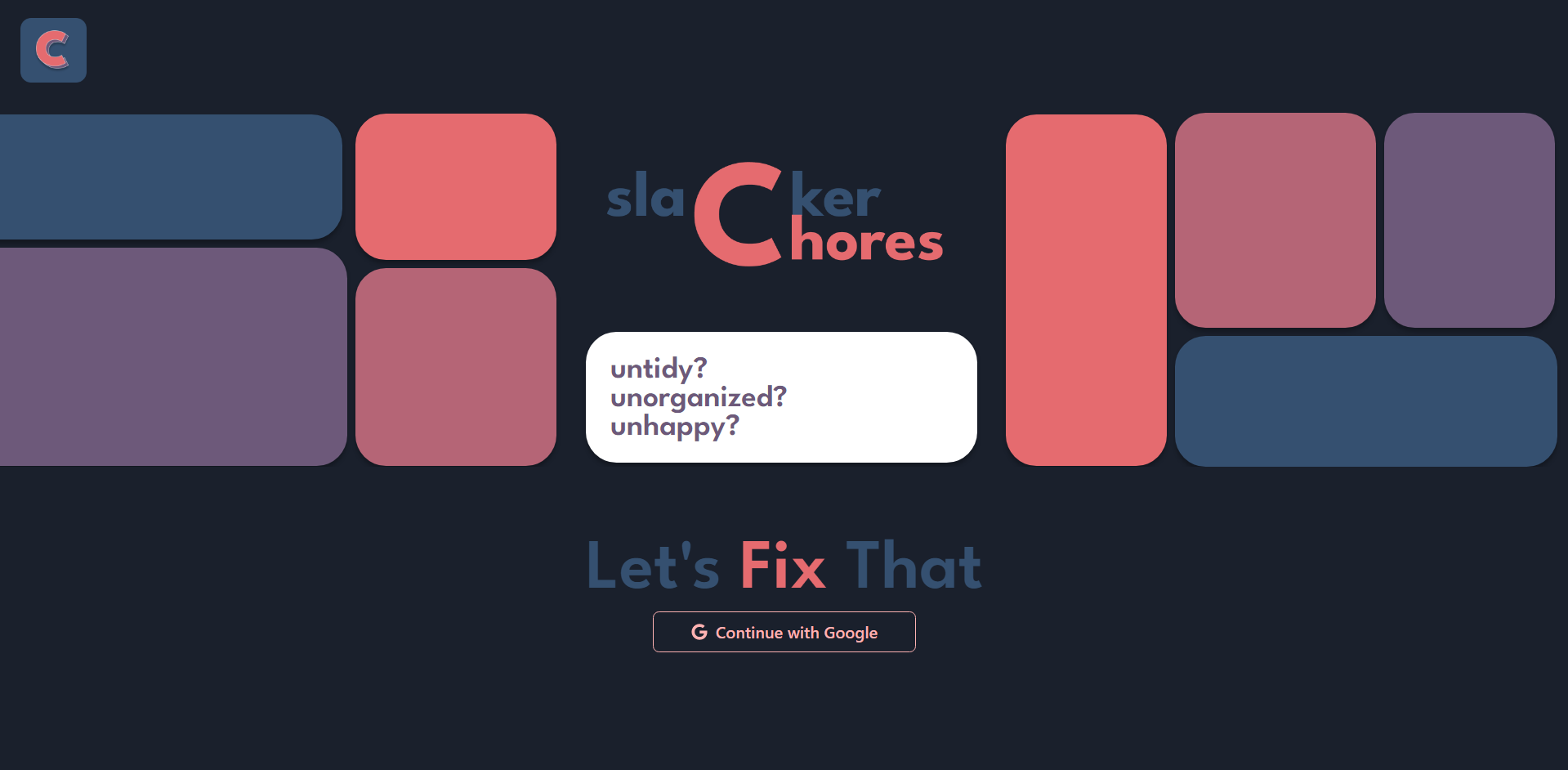
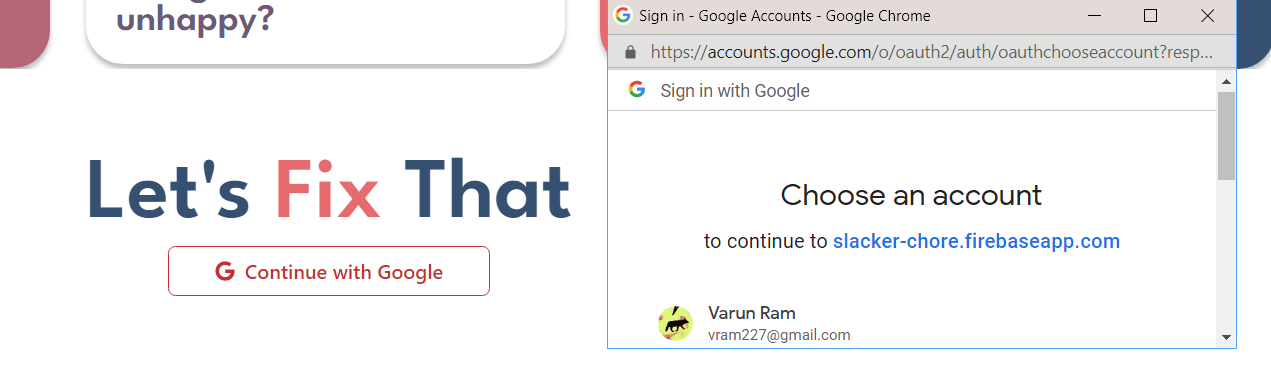
For user authentication and account sign-up our website integrates google authentication for seamless sign-in through firebase, providing a secure and efficient login process. Users can create groups easily and invite others through their respective email addresses. This enhances collaboration between users and simplifies the process of expanding group membership.
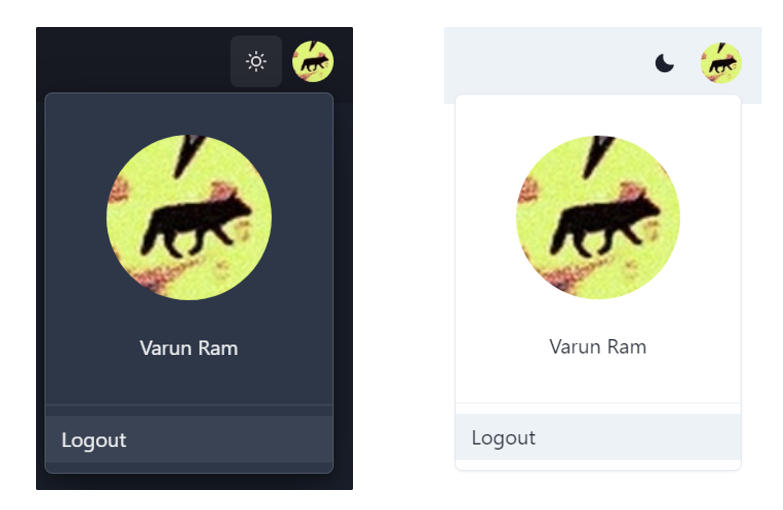
Upon signing into the webpage, the google auth API allowed use to create an icon on the top right of the screen allowing for users to logout seamlessly.
In our app, "My Tasks" becomes your personal hub for seamless teamwork. Tasks flow seamlessly from group sections, getting randomly assigned to ensure a fair workload distribution for everyone
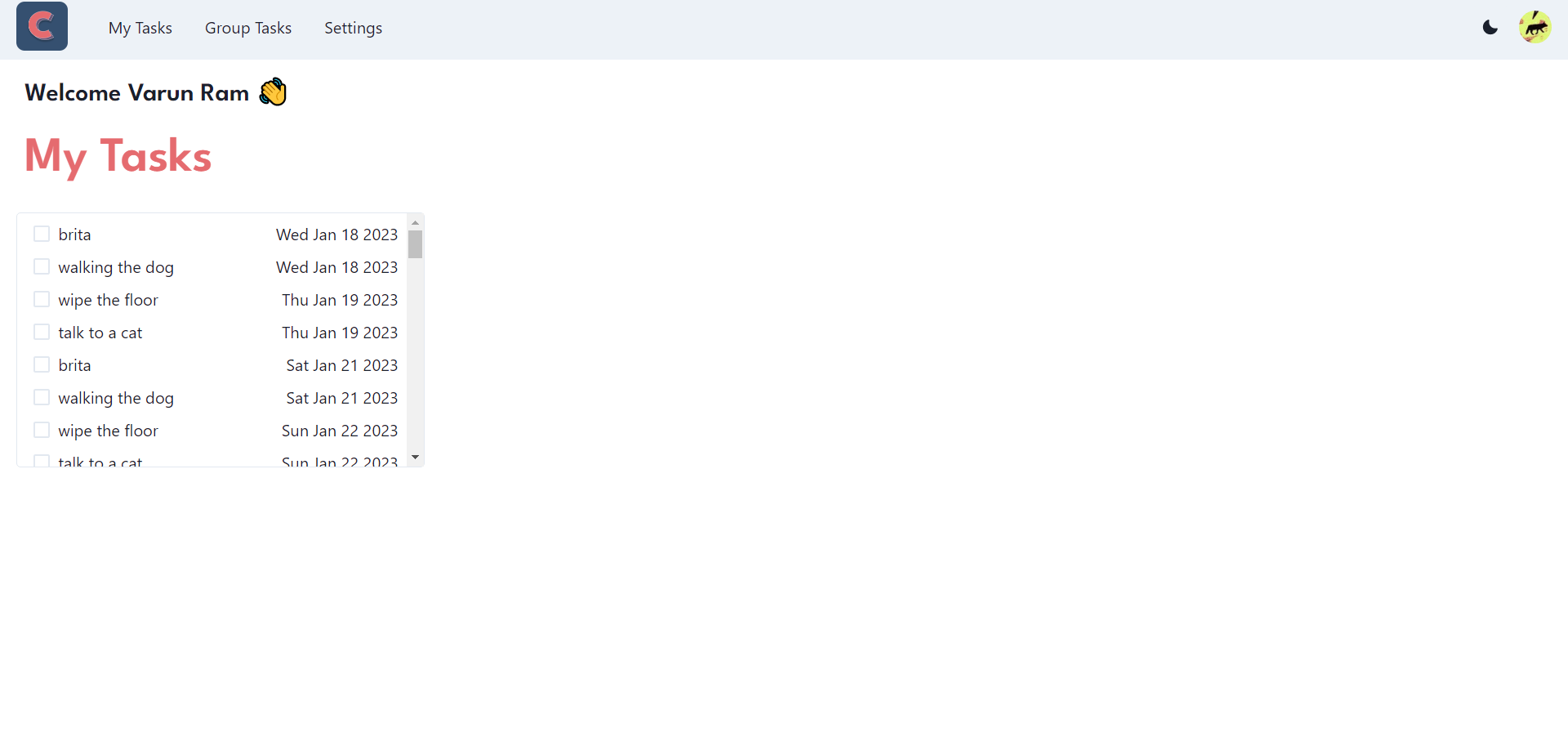
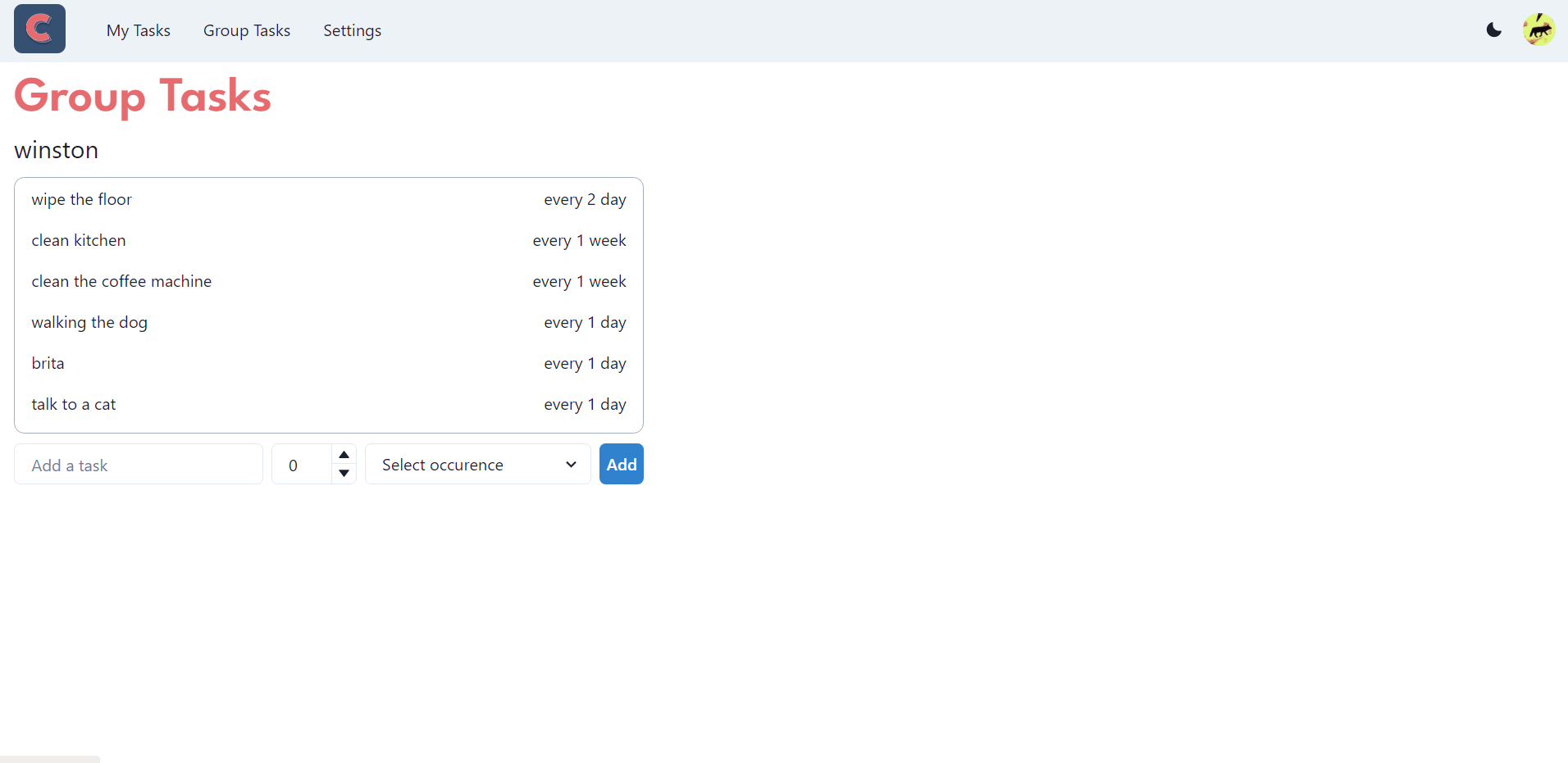
Coming off of the My Tasks, the user is able to select 2 other additional options with the aim of editing user to user interactions. The **Group Tasks** page display a list of all available tasks that are too be completed in the entire group, in our case this reflects the total household chores for our house. User's additionally have the option of adding new tasks and setting their frequency, with the application automatically assigning tasks to group constituents.
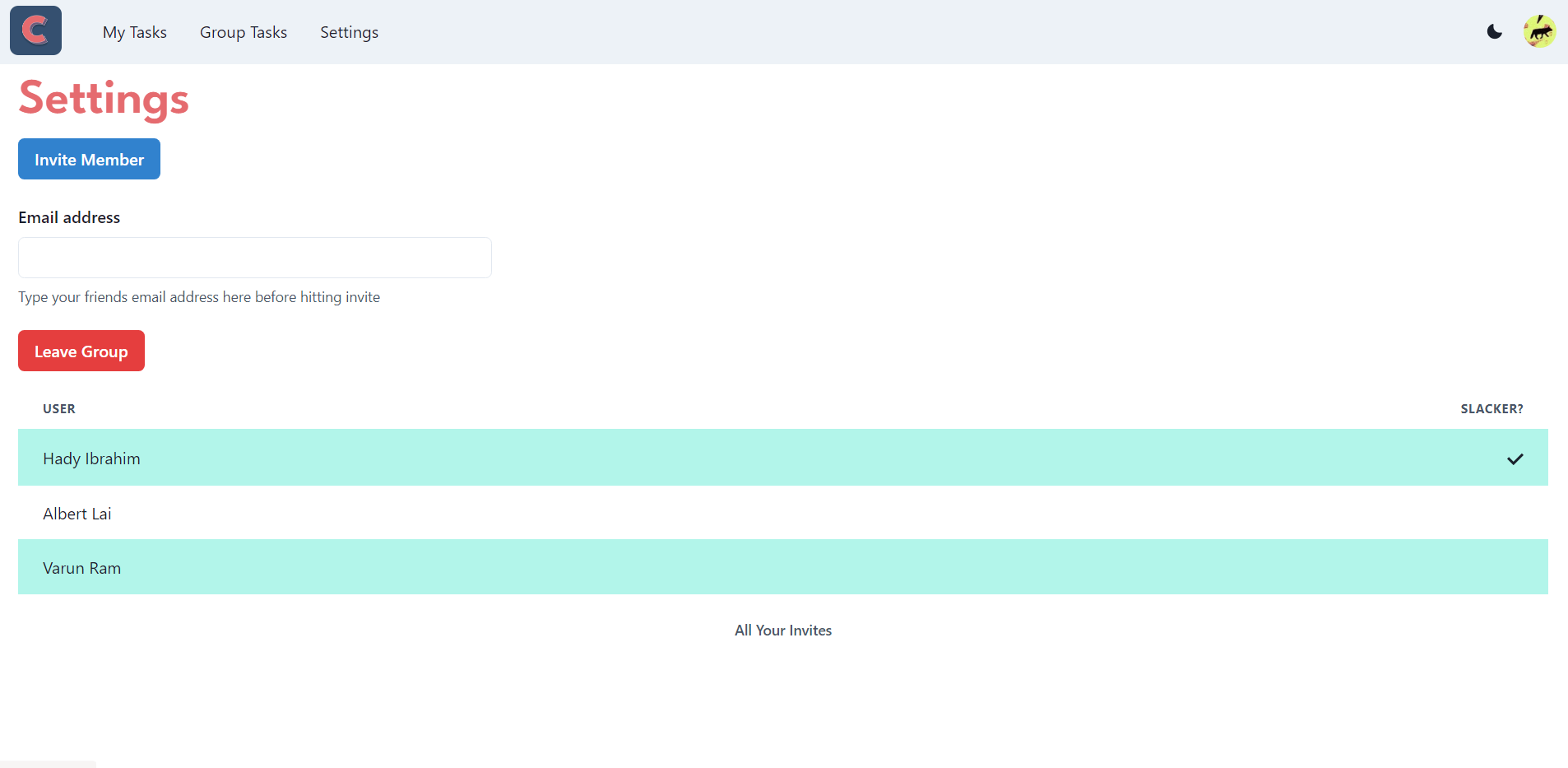
The Settings page allows the user to either create a group or join an existing group through their email IDs. Once you join a group, you will be able to view all the group members, including the Slacker, who is assigned the least amount of tasks. This feature encourages active participation and accountability within the group, ensuring a fair distribution of tasks and promoting a sense of teamwork and productivity.